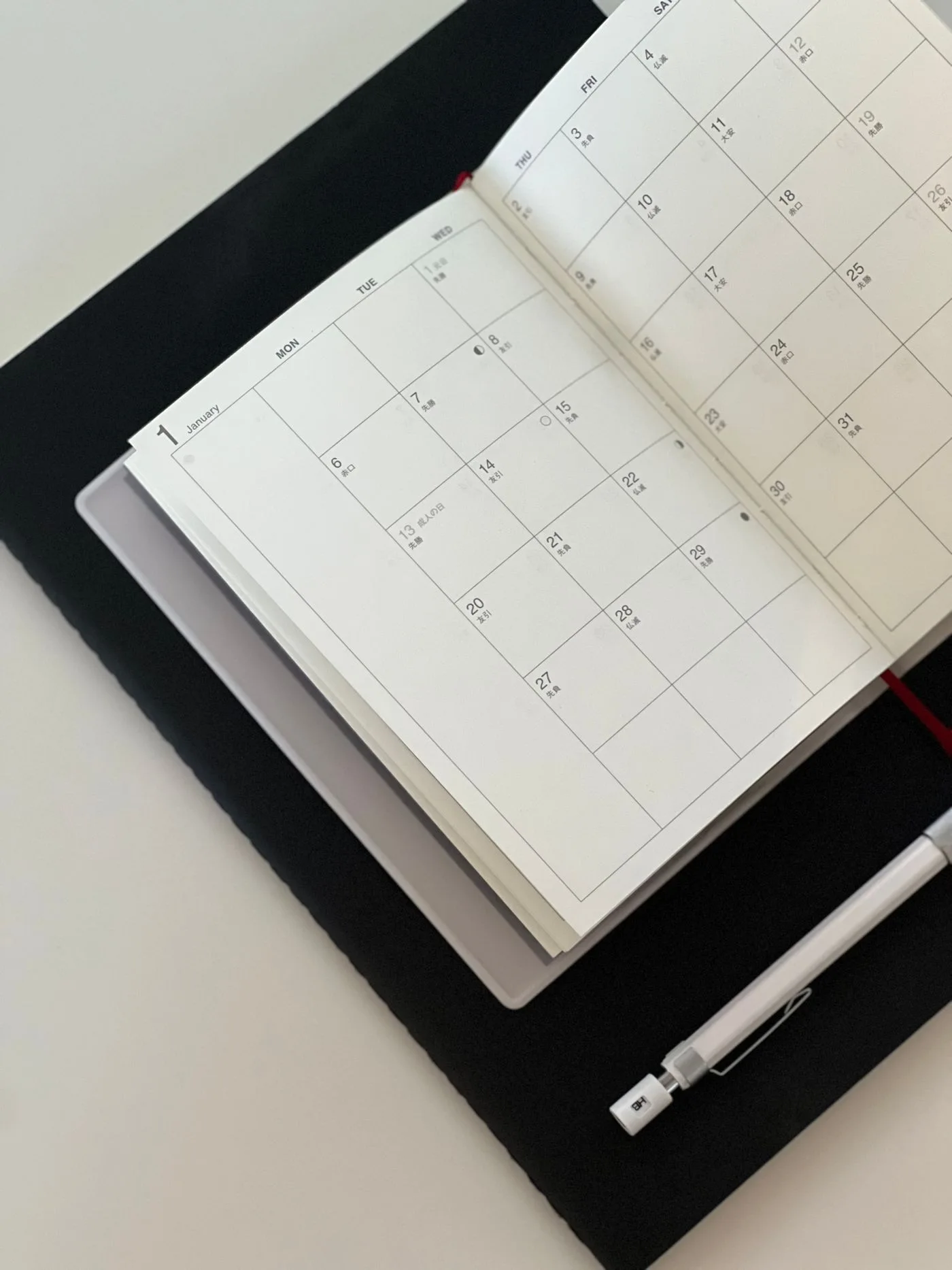
A useful payment tracker answers a narrow question: what was supposed to happen, and what does the account show actually happened? It does not need a complicated dashboard. A spreadsheet or ruled notebook can work if each column has a clear meaning and you update it from real records.
Separate the plan from the record
Start with the loan name, last four characters of its account reference, interest method, due date and opening balance. Avoid placing full account numbers in a document that you might share casually. Store the agreement separately and note where it can be found.
For each installment, include the due date and scheduled amount. Add different columns for the date paid, date posted and amount accepted by the servicer. A planned transfer should not be entered as a completed payment. Use a status such as scheduled, pending or posted until the record is settled.
For a hypothetical $240 installment, a payment instruction created on the ninth and posted on the eleventh is one payment, not two events to add together. Keeping the dates separate preserves the timeline without overstating the cash paid.
Track the balance using the statement
Add columns for interest, principal, fees and the remaining balance. Copy these from the statement or transaction breakdown when available. Do not estimate principal simply by subtracting the entire payment from the old balance.
For example, a $240 payment containing $35 interest and no fees reduces principal by $205. If the prior principal was $4,100, the new principal would be $3,895 in that simplified example. A separate fee or an account adjustment would require another line. Your tracker should make those changes visible rather than forcing every difference into the interest column.
The CFPB discusses how auto-loan payments are applied. The actual agreement and account record determine the allocation for your loan. Treat your worksheet as a reconciliation aid, not as a replacement for the servicer's accounting.
Give exceptions their own space
A short notes column is helpful for an extra payment, a returned debit or a changed due date. Include a confirmation reference and the date of any inquiry. If an issue is unresolved, describe the difference in numbers: “Bank shows $240 cleared; loan ledger shows $200.” This is more useful than a note saying only “payment wrong.”
Do not erase an incorrect entry without preserving why it changed. Add a correction or keep a dated version. A clear history becomes useful if a loan transfers to another servicer or a payment must be traced months later.
Keep the tracker small enough to maintain
Update once a month after the statement arrives, with an extra check after unusual transactions. Total the actual payments and principal reductions separately. The difference between them should be explainable by interest, fees and other recorded items.
Back up the file in a protected location. If you share finances with another borrower, agree who makes changes and when the second person reviews them. Two people independently overwriting the same sheet can create more uncertainty than the tracker resolves. A simple, current record is more valuable than a detailed file that is several months behind.